
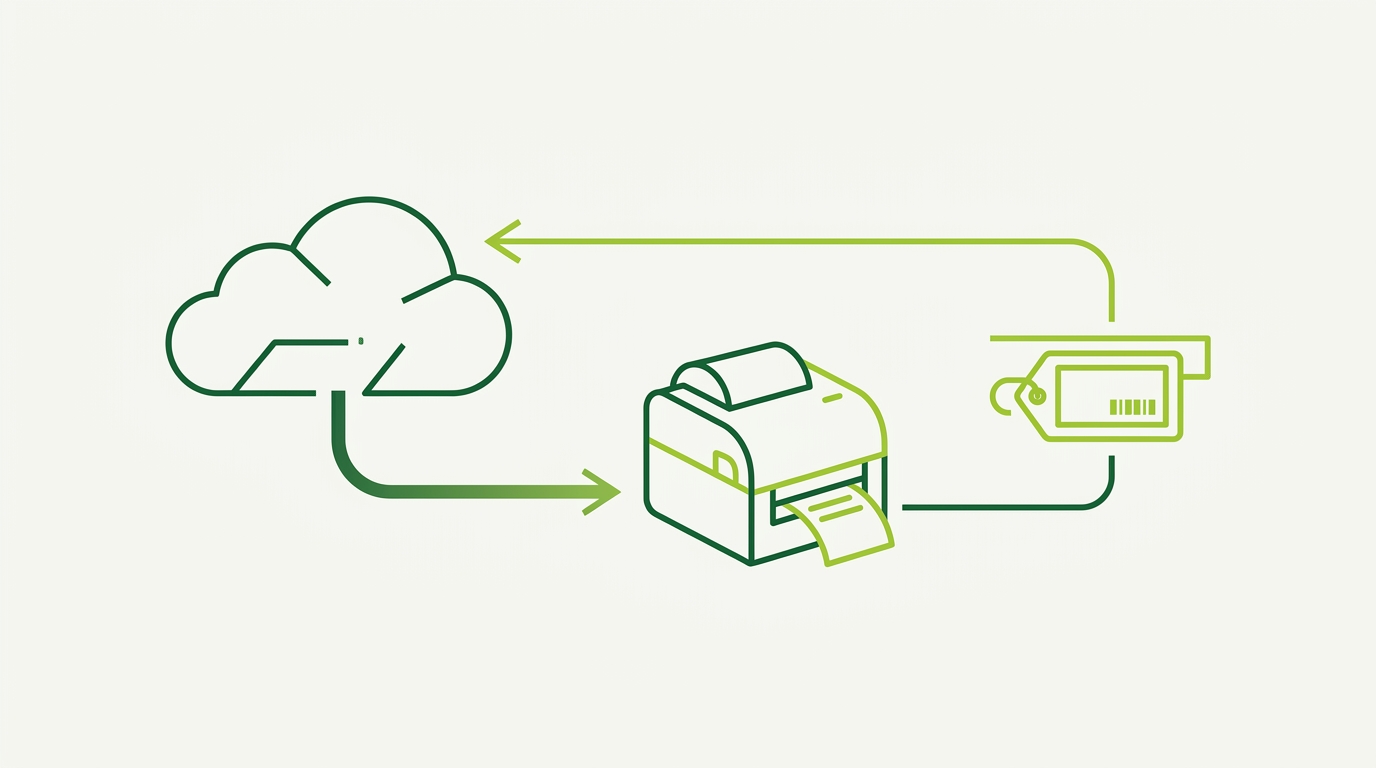
Cloud Label Printing Solution: The Future of Label Management
If you are evaluating label printing software, the real purchasing question is rarely “can it draw a barcode?” Most modern packages can. The bigger question is who operates the label pipeline: a desktop application on someone’s PC, a server in your back office, or a managed web service that your developers and operators share.
A cloud label printing solution moves the design, job queue, rendering, and integration layers into a hosted multi-user environment. LPSNG offers this through its cloud edition: a hosted platform from RSJ Software GmbH that includes the same core label design and printing features across editions, without running the label infrastructure yourself.
This article looks at what the LPSNG cloud edition actually gives you, where the operational savings come from, and how it fits alongside self-hosted and hybrid options.
Why Move to a Cloud Label Printing Solution?
The shift from on-premise label software to a cloud label printing solution is driven by operational constraints more than by label features.
A desktop label designer works well for one person. A shared label server helps a team. A managed cloud service helps when:
- Multiple people need remote access to the same label templates.
- Print jobs arrive from other systems instead of from manual keyboard entry.
- You want to centralize label logic without maintaining a local label server.
- You plan to scale from one site to multi-region or multi-device workflows later.
LPSNG’s cloud edition is a hosted multi-user environment. Users work in a web UI, label jobs pass through a central job queue, and generated labels can be delivered as PDF or printed directly. The same core functionality—web UI, label studio, job queue, PDF generation, and web service interface—is present in all editions, so moving to the cloud does not mean losing the label design tools.
That managed model is the primary reason enterprises choose a cloud label printing solution: the platform runs as a service, while your team concentrates on label content and integration.
What You Get with LPSNG Cloud Edition
The LPSNG cloud edition provides the core label workflow in a hosted multi-user form.
Included core features:
- Web UI: browser-based access to the label environment.
- Label studio: the design surface for professional label layouts.
- Job queue: centralized handling of label print jobs.
- PDF generation: output rendered as PDF files.
- Web service interface: programmatic submission of print jobs and label rendering.
Because the cloud edition is hosted, there is no local label server for your team to patch or maintain. Access, users, and label jobs are managed from the web interface rather than from per-desktop installations.
The system supports 1D and 2D barcode formats, so the same hosted label environment can produce warehouse labels, shipping labels, shelf labels, and electronic shelf label payloads without switching tools.
Integration options extend the hosted workflow:
- Google Sheets Add-on: create label layouts and print labels directly from Google Sheets.
- Excel interface: use Excel files as data files and lookup files.
- OAuth2 authentication: simplified registration protocol for connecting external systems, including systems such as ESL base stations.
Authentication matters in a cloud label printing solution. LPSNG uses OAuth2 so external applications can authenticate and act on the label service without sharing long-lived user passwords.
Cost-Benefit and ROI of Managed Cloud Labeling
The return on a cloud label printing solution comes from reducing the moving parts around label production.
Managed cloud labeling removes several cost centers:
- No label server hardware to maintain: the hosted edition runs the label environment for you.
- Reduced IT overhead: desktop label software installations, local queues, and update rollouts are replaced by a browser-based tool.
- Centralized label templates: design once in the label studio and share the same definitions across users, instead of reconciling multiple local copies.
Error reduction is a direct benefit of a centralized job queue and shared label definitions. When labels are submitted through the web service interface or generated from a Google Sheet or Excel file, manual re-entry of product data decreases. The same label logic runs against every job, reducing differences between operators and shifts.
For larger operations, the enterprise features add multi-user, multi-region, and multi-device capability. That matters when production sites or regional warehouses need comparable label output without each location inventing its own workflow.
A practical ROI example is the web service interface: a warehouse system or web shop can submit a label job directly after an order is packed, rather than someone copying an SKU into a label tool. The label appears in the queue, renders as PDF, and can be sent to the printer. That is less operator time per shipment and fewer manual mistakes.
Upgrade Path: From Self-Hosted to Cloud and Beyond
LPSNG offers several deployment paths, which makes the cloud edition easier to evaluate as part of a larger plan.
Embedded edition: self-hosted on a single-board computer
The embedded edition runs complete LPSNG on a single-board computer such as a Raspberry Pi. This is useful when a site needs local label generation without depending on an external internet connection.
Cloud edition: hosted multi-user
The cloud edition is the managed service. It fits teams that want remote access, shared templates, and a web service interface without operating their own label server.
Enterprise features
Enterprise features add multi-user, multi-region, and multi-device support for corporate environments. These are not a separate label designer; they extend the same workflow for organizations that need broader user management and distributed device control.
White label solution
For printer manufacturers, paper manufacturers, and system integrators, the white label solution provides a tailored user experience while preserving the underlying label platform.
LPSNG Player for offline or hybrid scenarios
The LPSNG Player is a standalone command-line print engine. It takes a package and data in, then produces PDF, PNG, JSON, print, or ESL output.
A hybrid pattern is common: use the cloud edition for central management and collaboration, then run the LPSNG Player locally where an offline or line-side print step is required. The player gives you the same label package concept outside the browser.
# Conceptual LPSNG Player invocation for an offline/hybrid label run.
# Package and data names come from your LPSNG label environment.
lpsng-player \
  --package shipping-labels.lpkg \
  --data orders.csv \
  --output labels.pdf
If you are still comparing options, see the label printing software comparison for a broader view. The LPSNG decision is less about replacing the cloud edition than about choosing the right mix of hosted, embedded, and player-based printing.
Integrations and Extensibility in the Cloud
A cloud label printing solution only works if it can connect to the systems that already generate product and order data. LPSNG exposes several integration surfaces.
Web service API
The web service API is the core developer interface. It can submit print jobs, render single labels as PDF or PNG, and handle direct printing. OAuth2 provides the authentication model for external applications.
The following example shows the shape of a job submission. Tenant endpoints and template IDs will differ in a real LPSNG deployment, but the pattern is: authenticate with an OAuth2 token, send label data as JSON, and receive the rendered label or print result.
First, normalize label data from an existing data source:
# Prepare label data from a CSV before sending it to LPSNG.
import csv
import json

label_payload = []
with open("orders.csv", newline="") as f:
    for row in csv.DictReader(f):
        label_payload.append({
            "sku": row["SKU"].strip(),
            "description": row["Description"].title(),
        })

with open("label_payload.json", "w") as f:
    json.dump({"labels": label_payload}, f)
Then submit the payload to the LPSNG web service API:
# Submit a label job using the LPSNG web service interface.
curl -X POST "https://<your-lpsng-web-service-endpoint>" \
  -H "Authorization: Bearer $LPSNG_OAUTH2_TOKEN" \
  -H "Content-Type: application/json" \
  --data @label_payload.json
Python Field Script API
For label logic that depends on runtime values, LPSNG supports Python script blocks attached to label fields. These blocks can access and modify field values before printing.
A field script can normalize an incoming value, build a barcode from multiple fields, or substitute fallback text when a data field is empty. The script lives in the label design, so the logic travels with the template rather than existing only in an external integration script.
Electronic Shelf Labels
LPSNG extends beyond paper labels into cross-media electronic shelf labels. The ESL interface uses a vendor-neutral JSON file interface, ESLSEND, to update ESL displays. The ESL binding API exposes a web service for binding ESL tags to items, and supports MDE units without a web interface.
That means a cloud label printing solution can manage both printed labels and shelf-display updates from the same product data.
Google Sheets, Excel, and the reusable sidebar
For less code-heavy integrations, the Google Sheets Add-on and Excel interface provide direct label generation from spreadsheet data. The reusable sidebar is an embeddable component for integrating LPSNG into other web applications.
The reusable sidebar is especially useful for enterprise portals or ERP systems that need label functionality inside an existing web workflow, rather than a separate LPSNG tab.
FAQ: Cloud Label Printing Solution
Is my label data secure in a cloud label printing solution?
LPSNG cloud edition uses OAuth2 authentication for secure access and data isolation between tenants. All communication is encrypted, and you retain ownership of your label designs and data.
Can I use the cloud solution offline or in a hybrid setup?
Yes, the LPSNG Player is a standalone command-line engine that can run locally for offline printing. You can also deploy the embedded edition on a Raspberry Pi for on-premise needs while using the cloud for central management.
How do I integrate the cloud label printing solution with my existing systems?
LPSNG provides a web service API for submitting print jobs and rendering labels. It also offers a Google Sheets Add-on, Excel interface, and a reusable sidebar for embedding into other web applications. OAuth2 simplifies authentication for external systems.
What is the difference between the cloud edition and the enterprise features?
The cloud edition is a hosted multi-user environment with core label design and printing features. Enterprise features add multi-region, multi-device support, and advanced user management for larger organizations. You can start with cloud and upgrade to enterprise as your needs grow.
Conclusion: Is a Cloud Label Printing Solution Right for You?
A cloud label printing solution is the right purchase when label management has outgrown individual desktops but you do not want to run another internal server. LPSNG’s cloud edition provides the browser-based label studio, job queue, web service API, and PDF rendering in a hosted multi-user platform.
The practical path is to start with the Next Generation Label Printing System, evaluate the web service and spreadsheet integrations, and add the LPSNG Player or embedded edition where offline printing is required. Enterprise features can follow when label operations span multiple regions or device fleets.
Related posts
- How to Verify Barcode Print Quality: A Practical Guide
- Label Printing Software Comparison: Which One Fits Your Needs?
- Python Barcode Label Generation: A Step-by-Step Guide
