
What Is an Electronic Shelf Label System? A Plain-Language Primer
An electronic shelf label system is a set of small digital displays mounted at the shelf edge, plus the software that decides what each display shows and pushes new content to it. That’s the whole definition — price tags on a shelf, updated remotely, without printing paper.
The part that usually gets glossed over is the second half. People say “ESL” and picture the hardware, but the hardware is the easy bit. The hard bit is the data flow from your product catalog to a specific tag on a specific shelf in a specific store — and that’s a software problem, which means it’s a problem you can solve with an API instead of a price gun.
This article explains how ESL systems work, where the common misconceptions come from, and how a label printing platform fits into the picture.
What Is an Electronic Shelf Label System, in Plain Language
An electronic shelf label (ESL) system is a system of digital price tags that live on the shelf edge and can be updated remotely. Instead of printing a paper label, walking to the aisle, and clipping it into a rail, you change a value in your catalog and the shelf label changes itself.
Every ESL system has two halves:
- The tags. Small battery-powered displays attached to the shelf rail, one per product (or per facing).
- The software. The part that knows which tag belongs to which item, what content should be on it, and how to deliver that content.
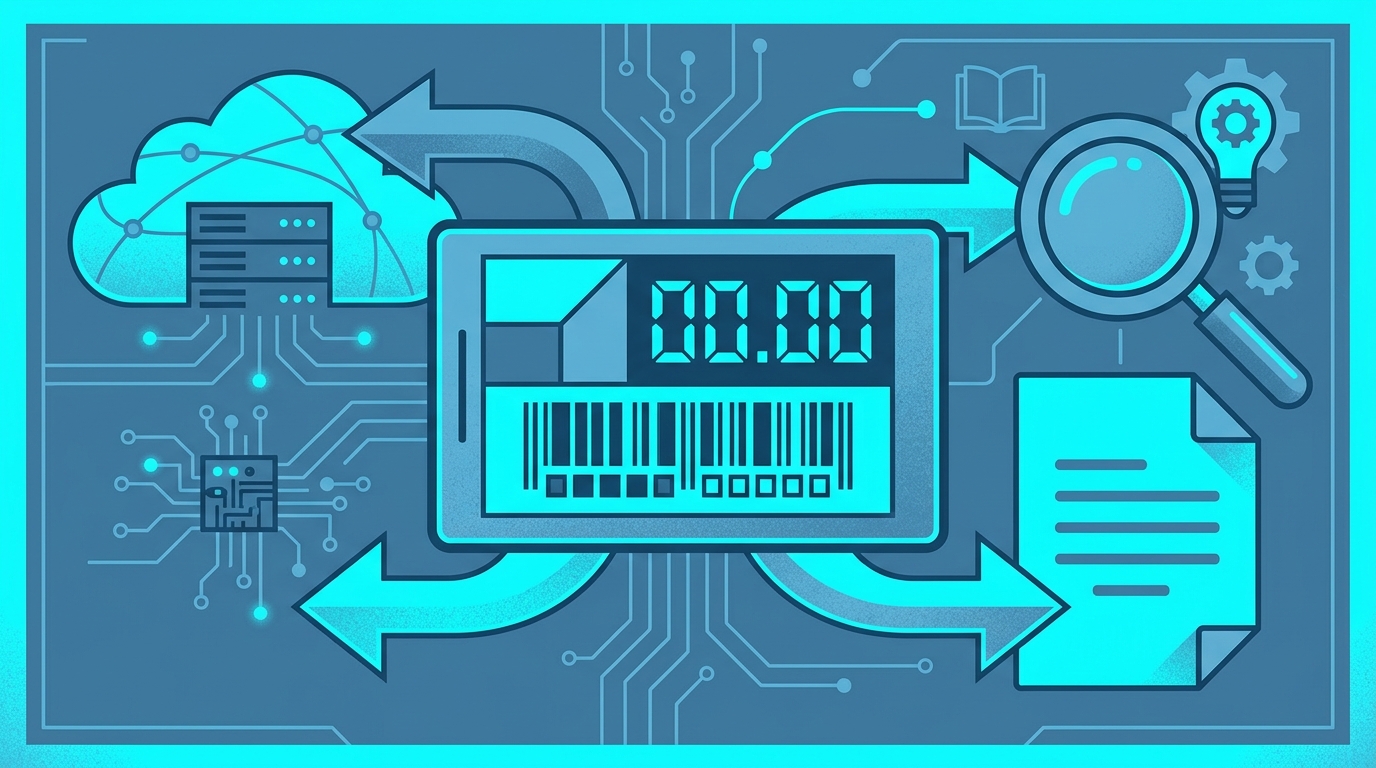
An ESL system is not just hardware. A box of tags with no management software is a box of tags. The value comes from the data flow: catalog → item → tag → display. Break that chain and you’re back to printing paper, just with more expensive clips.
This matters when you’re evaluating options, because ESL projects fail on the software side far more often than on the radio side. If your product data already lives in a spreadsheet, an ERP, or a PIM, the question is how that data reaches the shelf edge — not how the tag is built.
RSJ’s Next Generation Label Printing System (LPSNG) approaches this as a cross-media problem: the same platform covers label design and printing, and it also handles ESL updates, so print and shelf-edge content come from one place.
A Real-World Analogy: The Digital Price Tag on Your Shelf
Think of a digital photo frame. You don’t open the frame and swap the picture inside. You send a new photo from your phone, the frame receives it, and the display updates. The frame is hardware; the app is what you actually use.
An ESL tag is that photo frame, scaled down and glued to a shelf rail. The difference is that instead of a holiday photo, it shows a product name and a price — and instead of you tapping “send” on your phone, your catalog does it.
A concrete scenario:
- Your store changes the price of a 1 kg bag of espresso beans.
- You update the price in your product data — a spreadsheet, a database, wherever it lives.
- The system pushes the new value to the tag bound to that item.
- The shelf edge shows the new price. No reprint, no ink, no aisle walk.
Compare that with the traditional route: someone notices the price is wrong, prints a new label, finds the right shelf rail among hundreds, removes the old label, clips in the new one, and hopes they didn’t mix up two similar products.
And price is only the beginning of what a tag can show. Product descriptions, promotion text, unit pricing, and barcodes are all just fields in the same data record. Whatever you can render on a label, you can usually render on a shelf-edge display — sized for the smaller screen.
How an ESL System Works Under the Hood (Without the Jargon)
Strip away the marketing and the flow is short:
- Your system sends data. One record per item: item ID, price, description, and any display-specific fields.
- An ESL management service receives it. This is the piece that knows your tags, their IDs, and their current content.
- The service pushes updates to the tags. Tags communicate wirelessly through a base station or gateway in the store, and each tag has a unique identifier so the service can address it individually.
That’s it. Everything else is detail about formats, retries, and battery life.
The detail that matters most for developers is the format. A vendor-neutral JSON file interface — ESLSEND is the one LPSNG uses — means your software emits the same structured data regardless of which ESL hardware is on the shelf. No custom protocol per brand, no rewriting your integration when a store switches hardware.
Here’s the shape of a product record you might feed in:
[
  {
    "item_id": "ART-10231",
    "description": "Espresso Beans 1 kg",
    "price": "14.90",
    "currency": "EUR",
    "promo": "2 for 25.00",
    "barcode": "4012345678901"
  }
]
And here’s the same data shaped for a shelf-edge display. The exact ESLSEND field names are documented in the ESL interface reference — what matters conceptually is that it’s one record per display, keyed by a tag or display identifier:
{
  "display": "shelf-edge-04",
  "item_id": "ART-10231",
  "fields": {
    "line1": "Espresso Beans 1 kg",
    "price": "14.90",
    "currency": "EUR",
    "promo": "2 for 25.00"
  }
}
Two pieces of LPSNG are relevant here. The ESL interface is the JSON path for updating displays, and the ESL Binding API is a web service for binding ESL tags to items — specifically aimed at MDE units that don’t have a web interface. For a deeper look at the API surface itself, see Understanding Electronic Shelf Label Integration APIs.
Why It Matters: Benefits and Common Misconceptions
The benefits are straightforward and mostly operational:
- Faster updates. Price changes propagate in one action instead of a store-wide walk.
- Fewer errors. No mis-clipped labels, no stale prices left up after a promotion ends.
- Less waste. No paper, no ink, no discarded label rolls.
- Dynamic and cross-media labeling. The same data that drives a printed label can drive the shelf edge, so promotions and product content stay consistent across both.
The misconceptions are where things get interesting, because they’re usually what stops a project before it starts.
“ESLs are only for large chains.” They aren’t. A single base station and a handful of tags is a valid starting point — a pilot aisle, a high-churn category, a single promotion endcap. Scale is a deployment decision, not a prerequisite.
“I’d have to replace my entire label printing workflow.” You don’t. A platform like LPSNG manages printed labels and ESLs from one place, so your existing PDF and direct-print output doesn’t go away. ESL becomes another output target, not a migration.
“ESL integration is always a custom coding project.” It’s less true than it used to be. Vendor-neutral interfaces and managed services handle the protocol work; your job shrinks to producing the right data. The custom code you write should be about your business rules — which item gets which tag, what the promo text says — not about how bytes reach a radio.
How Next Generation Label Printing System Fits In
Next Generation Label Printing System is a label design and printing platform that also handles ESL updates. The practical consequence: you design a label once, and use it for print or for the shelf edge.
The workflow is managed rather than protocol-level:
- You create a label layout in the web UI’s label studio.
- You attach data to it — from a spreadsheet, a database, or an API call.
- You choose the output: PDF, direct print, or ESL.
You are not writing low-level protocol code or hand-crafting files per base station. The platform handles delivery.
If you need custom logic on individual fields — truncating a long description to fit a small screen, formatting a price differently for the shelf edge — the Python field script API lets you attach a script block to a label field and modify its value before output. Here’s the shape of that, illustrative of the pattern rather than the exact API:
# Script block attached to the "description" field of a label.
# Illustrative — see the Python API reference for the exact field object.

def fit_for_shelf_edge(text, width=24):
    return text if len(text) <= width else text[:width - 3] + "..."

field.value = fit_for_shelf_edge(field.value)
Basic ESL updates, though, need no scripting at all. Formatting rules like that are a nice-to-have, not the entry fee.
Because LPSNG ships in cloud, embedded (a full installation on a single-board computer such as a Raspberry Pi), and enterprise editions, the same workflow scales from a pilot in one store to a multi-region deployment. And if your product data already lives in a spreadsheet, the Google Sheets add-on and the Excel interface give you a path in without building a data pipeline first.
Getting Started: From Zero to Your First ESL Update
Here’s the shortest honest path from nothing to a working shelf-edge update.
Step 1: Define your product data. Item IDs, prices, descriptions — in a spreadsheet or a database. You can’t push what you haven’t structured.
{
  "item_id": "ART-10231",
  "description": "Espresso Beans 1 kg",
  "price": "14.90",
  "currency": "EUR"
}
Step 2: Design a label template. Build it in the label studio, or start from an existing layout. Design it with the ESL screen in mind — less text, bigger price, fewer columns.
Step 3: Bind tags to items. Use the binding API or the web UI so the system knows which tag shows which product. This is the step people skip and then wonder why the wrong shelf updated.
Step 4: Trigger an update. Push it through the web service API, schedule it as a job, or do it manually from the UI. The platform delivers the content to the tags.
The hard way — for comparison — is writing raw JSON files by hand and pushing them to every base station in every store yourself. LPSNG’s managed workflow exists so you don’t have to build or maintain that layer.
FAQ
Do I need special hardware to use an ESL system with LPSNG?
You need ESL tags and a compatible base station or gateway. LPSNG supports a vendor-neutral JSON interface (ESLSEND) and provides a binding API to connect tags to items, so you can use various ESL hardware. For CATIC ESL hardware, installation instructions are available.
Can I use my existing label designs for ESLs?
Yes. In LPSNG, you design a label layout once and can output it as a printed label (PDF or direct print) or push the same data to ESL displays. The label studio and field script API let you adapt content for the smaller ESL screen if needed.
How does the vendor-neutral JSON interface help if I have multiple ESL vendors?
A vendor-neutral JSON interface like ESLSEND means your software sends the same structured data regardless of which ESL hardware is on the shelf. That reduces integration work and avoids vendor lock-in, because you are not writing custom code for each brand.
Is ESL integration possible without a web interface on my MDE units?
Yes. LPSNG provides an ESL Binding API specifically for MDE units that lack a web interface, allowing you to bind ESL tags to items programmatically. This is part of the platform’s cross-media ESL solution.
Conclusion
An electronic shelf label system is a data flow problem wearing a hardware costume. Once you see it that way — catalog in, tag identifier in the middle, display out — the integration question stops being “which ESL vendor do we bet on” and becomes “which platform lets us send the same data to print and to the shelf edge.”
That’s the case for treating labels as cross-media output rather than two separate projects. Design once, bind your tags to items, and let the platform handle delivery.
If you want to go further, start with the label studio in Next Generation Label Printing System, or read more practical walkthroughs on the LPSNG blog.
Related posts
- Automate Label Printing Directly From Google Sheets
- Label Design Software Buying Guide for System Integrators
- How to Print Labels From a Web Service API: A Developer Walkthrough
