
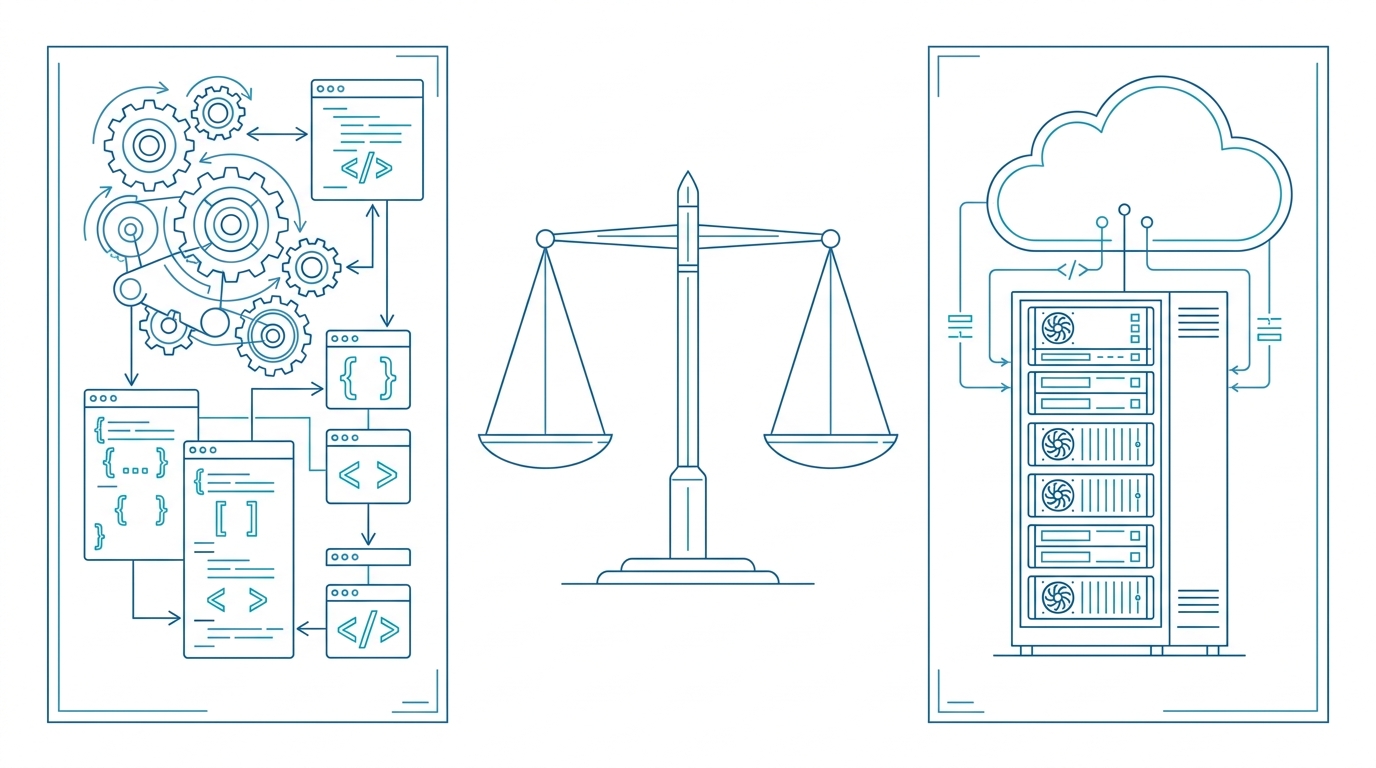
White Label Label Printing: Build vs Partner for Manufacturers
You already ship the hardware. Now your customers want the software to match — a label designer their warehouse staff can actually use, a print queue that doesn’t lose jobs, and an API their ERP can call without a six-week integration project. That’s the moment a printer manufacturer faces a real product decision: build a white label label printing solution in-house, or partner with a managed platform that already does it.
This article is for product managers and technical leads at printer, paper, and hardware manufacturers who need to answer that question with numbers instead of gut feeling. We’ll lay out the realistic options, run them through five criteria — ease of use, automation, security, price, and integration — put them side by side, and finish with a verdict on who should pick which path.
The Build-or-Partner Decision for Printer Manufacturers
There are two credible paths, and both have a cost.
Build in-house. You assemble a label designer, a rendering engine, a job queue, a device/protocol layer, and a public API — from scratch or from open-source parts. You get total control over the roadmap and the UI. You also inherit every bug, every browser regression, and every “can it do barcodes on a 40 mm label?” support ticket for the next decade.
Partner with a managed platform. You adopt a system that already ships those building blocks and put your brand on it. Time to market is measured in weeks, not quarters, and someone else carries the maintenance load.
The naming is deliberate: white label label printing solution for printer manufacturers means the end customer sees your product. RSJ LPSNG is explicitly offered as a white label solution tailored for printer manufacturers, paper manufacturers, and system integrators — so the branding question is part of the product, not an afterthought you have to negotiate.
The rest of this article compares those paths on the criteria that actually decide deals: ease, automation, security, price, integration.
The Landscape: What White Label Options Exist Today
Three shapes of solution show up in practice.
1. In-house build. You own the stack end to end: label studio front end, render pipeline (PDF/PNG), print-job queue, device communication, authentication, and the API surface your customers integrate against. Maximum control, maximum surface area.
2. Managed platform. You adopt an existing platform and rebrand it. A system like RSJ LPSNG already includes the core pieces named in its published interface:
- a web UI and a label studio
- a job queue
- PDF generation and rendering
- a web service interface for external systems
- OAuth2 authentication for connecting external applications
That list is the “job queue, label designer, API” stack you would otherwise be speccing in a roadmap meeting.
3. Hybrid. Use a platform for the core design-and-print workload, then build your own value on top: your provisioning flow, your device onboarding wizard, your branding, your vertical-specific templates. This is usually what a successful white label deployment looks like after year one.
One useful boundary: if your customers need electronic shelf labels alongside paper labels, the platform route is materially shorter, because RSJ LPSNG includes a cross-media ESL solution with a vendor-neutral JSON file interface (ESLSEND) and a web service for binding ESL tags to items. Building that yourself means designing a second device protocol. (For background on what these tags are, see the sibling post on electronic shelf label systems.)
Selection Criteria: What Actually Matters
Five criteria tend to decide the build-vs-partner question. Score both paths on each one before you commit.
Ease of use. Can a customer’s warehouse staff design a label and print it without a training session? Look for a visual label studio and a job queue that shows what happened to every job. If your users need your support team on the phone to change a font size, the software undermines the hardware.
Automation. This is where developers judge you. Does the system expose a web service interface for submitting print jobs and rendering single labels as PDF or PNG? Can you attach Python scripts to individual label fields to transform values before printing? Is there direct print, and a standalone command-line engine for batch output?
Security and access. External systems need a defined way to authenticate. OAuth2 is the baseline — RSJ LPSNG uses a simplified OAuth2 registration protocol specifically to connect external systems. For corporate customers, multi-user, multi-region, and multi-device features matter as much as the login flow.
Price and deployment. Match the edition to the customer’s environment rather than forcing one shape on everyone:
- Cloud — the hosted multi-user edition, nothing to install on site.
- Embedded — the complete system on a single-board computer such as a Raspberry Pi, useful where the print job must stay local.
- Enterprise — for corporate environments needing multi-user, multi-region, and multi-device support.
Integration. Your customers don’t live in your app. They live in Google Sheets, Excel files, an internal web portal, and increasingly an ESL base station. Check for a Google Sheets add-on, an Excel interface (including the Excel 3D packer add-in), a reusable sidebar you can embed into another web app, and ESL support for cross-media workflows.
Side-by-Side: Build vs Partner with RSJ LPSNG
| Dimension | Build in-house | Partner with RSJ LPSNG |
|---|---|---|
| Time to market | Months of design, development, and testing before the first pilot | Production-ready platform; your effort goes into branding and integration |
| Maintenance | You own every bug, browser change, and device quirk | Managed service with ongoing development |
| Feature depth | You build label design, PDF/PNG rendering, direct print, and ESL from zero | Core features are included: label studio, job queue, PDF generation, web service interface |
| Branding | Fully custom, fully your cost | White label solution: tailored user experience under your own brand |
| Automation surface | You design and document the API yourself | Web service interface, Python field script API, and a command-line player |
| Deployment options | You ship one shape and support it | Cloud, embedded (e.g. Raspberry Pi), and enterprise editions |
| Integration work | Each connector is a project | Google Sheets add-on, Excel interface, reusable sidebar, ESL interfaces |
| ESL | A second protocol to design and maintain | Vendor-neutral JSON interface (ESLSEND) plus an ESL binding web service |
| Control | Total | High, within the platform’s published interfaces |
The honest caveat on the right-hand column: partnering means adopting someone else’s interface design. If your differentiator is a rendering behaviour nobody else has, that’s a genuine argument for building.
Verdict: Who Should Build and Who Should Partner
Build if you have a large, dedicated engineering team that will still exist in three years, requirements that no existing platform meets, and the patience to iterate on label software while also shipping printers. That’s a real business model — just be clear that you’re now a software company with a hardware line, not the reverse.
Partner if you want your engineers focused on hardware, firmware, and customer relationships while a professional label printing experience ships quickly. For most printer manufacturers, partnering is the pragmatic choice: design, printing, automation, and ESL arrive as one managed platform instead of four internal projects.
The deployment spread matters here — cloud for customers who want zero on-prem footprint, embedded for local printing on a Raspberry Pi, enterprise features for multi-user and multi-region corporate rollouts — so the same product can serve several segments of your customer base without a rewrite.
How RSJ LPSNG Fits Your White Label Workflow
Here’s the operational shape of the managed path. Next Generation Label Printing System is the platform; the steps below are the whole integration.
Snippets are schematic — the placeholders stand in for values documented on the linked reference pages, not for a protocol you have to implement yourself.
Step 1: Connect your system via the web service API using OAuth2.
No raw protocol work, no hand-rolled signing. The platform publishes an OAuth2 registration protocol designed to connect external systems with a single URL.
# Schematic. Values come from the OAuth2 and web service reference pages.
export LPSNG_OAUTH2_URL="<oauth2-registration-url>"
export LPSNG_CLIENT_ID="<client-id>"
export LPSNG_CLIENT_SECRET="<client-secret>"

# Register / connect your system once.
curl -s "$LPSNG_OAUTH2_URL" \
  -d "client_id=$LPSNG_CLIENT_ID" \
  -d "client_secret=$LPSNG_CLIENT_SECRET"

# Then submit a print job, or render a single label as PDF/PNG,
# against the web service interface with the returned credentials.
curl -s "$LPSNG_WEB_SERVICE_ENDPOINT" \
  -H "Authorization: Bearer $LPSNG_TOKEN" \
  --data-binary @job.json
Step 2: Design labels in the label studio — or import layouts — and attach Python scripts to fields.
Field scripts let you compute and modify a field value before printing, so dynamic data (batch codes, formatted SKUs, conditional text) doesn’t need a change request in your firmware.
# Field script attached to a label field. Signature shown schematically;
# the Python API reference documents the actual hooks.
def before_print(field_value, job_data):
    sku = job_data.get("sku", "")
    if not field_value:
        return sku
    return f"{sku} / {field_value}".upper()
Step 3: Submit print jobs, render single labels, or print directly.
Use the web service interface for job submission, PDF/PNG rendering when a customer needs a file rather than paper, and direct print when the label must come out immediately. For batch and edge scenarios, the standalone command-line player takes a package plus data and emits PDF, PNG, JSON, a print job, or ESL output.
# Schematic player invocation: package + data in, PDF out.
lpsng-player --package label.lpsng --data items.csv --out labels.pdf
Step 4: Extend to electronic shelf labels if needed.
{
  "//": "Schematic ESL payload. The vendor-neutral JSON schema (ESLSEND) is documented in the ESL interface reference.",
  "items": [
    { "tag": "<esl-tag-id>", "item": "SKU-4711", "price": "9.99" }
  ]
}
The hard way would be writing your own print engine, job queue, and device protocol handling. The managed way is the four steps above, with a web service to bind ESL tags to items when your customers run MDE units without a web interface.
If your labels end up in packaging or fulfillment workflows, the sibling guides on warehouse packaging lines and barcode quality checks cover those layers in more detail — this article stays on the build-vs-partner question.
FAQ
Can I brand RSJ LPSNG as my own white label solution?
Yes. RSJ LPSNG offers a white label solution specifically for printer manufacturers, paper manufacturers, and system integrators, allowing you to present a tailored user experience under your own brand.
What integration options does RSJ LPSNG provide for developers?
RSJ LPSNG provides a web service API with OAuth2 authentication, a Python field script API, a command-line player, a Google Sheets add-on, an Excel interface, and a reusable sidebar for embedding into other web applications.
Does RSJ LPSNG support electronic shelf labels (ESL)?
Yes. RSJ LPSNG includes a cross-media electronic shelf label solution with a vendor-neutral JSON file interface (ESLSEND) and a web service to bind ESL tags to items.
What deployment editions are available for RSJ LPSNG?
RSJ LPSNG is available as a cloud solution, an embedded edition for single-board computers like Raspberry Pi, and an enterprise edition with multi-user, multi-region, and multi-device features.
Conclusion
Building a white label label printing solution in-house is a defensible choice for a large engineering organisation with genuinely unique requirements. For most printer manufacturers, it’s a distraction from the thing customers actually buy from you. Next Generation Label Printing System gives you the label studio, job queue, PDF/PNG rendering, direct print, web service API with OAuth2, and ESL support as a managed platform — then lets you ship it under your own brand.
Pick the edition that fits your customers — cloud, embedded, or enterprise — and start with a single integration against the web service interface. Then decide how much you want to build on top.
Next step: review the white label and web service documentation at lpsng.rsj.de and map your first three customer scenarios onto the four workflow steps above.
Related posts
- Label Printing Software for Warehouse Packaging Lines
- How to Verify Barcode Quality Before Printing Labels
- What Is an Electronic Shelf Label System? A Plain-Language Primer
