
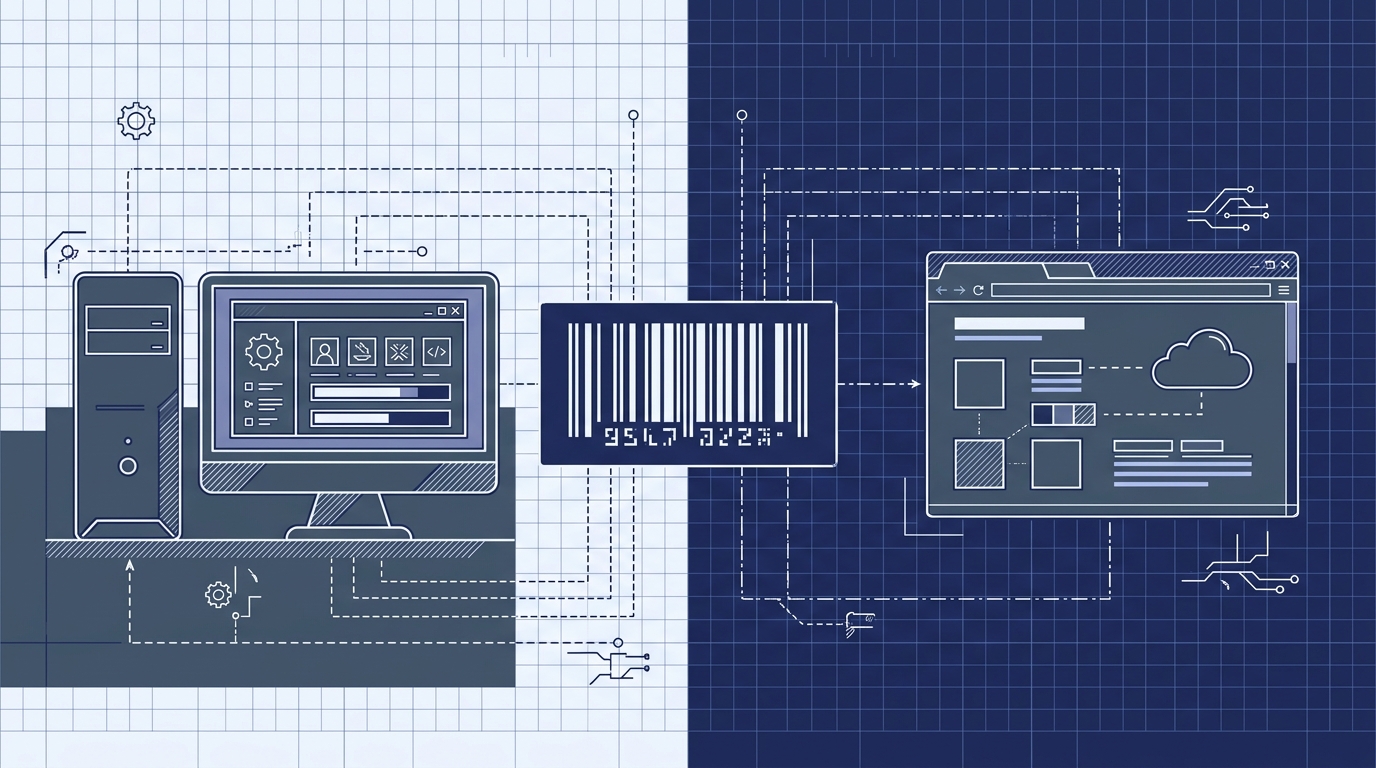
Barcode Label Software vs Online Label Maker: Which Is Right for You?
The label printer on your desk does not care whether the job came from an installed Windows application or a browser tab. Your team, however, cares about installation, updates, API access, scripting, and who can print from where. That is the real decision behind barcode label software vs online label maker.
Both approaches can produce professional barcode labels. The difference is how much infrastructure, maintenance, and integration work you take on. In this comparison, we break down the criteria that matter for developers and end users, then show where the Next Generation Label Printing System (LPSNG) fits — not as a compromise, but as a managed service that combines the power of traditional labeling software with the convenience of a browser-based tool.
The Landscape: Traditional Software vs. Online Makers
Traditional barcode label software is installed on a local computer. It typically requires a license file, OS-specific compatibility checks, manual updates, and local printer drivers. The upside is control: the application runs on your hardware, with your data, and often works without an internet connection.
Online label makers run in a web browser. There is nothing to install, updates are delivered automatically, and users can access the tool from any device with a browser. The trade-off is usually connectivity and deeper integration — many online tools are limited to simple design templates and spreadsheet imports.
The line between the two categories is blurring. Some online platforms now expose REST APIs for automation, scriptable fields, and on-premise deployment options. LPSNG is a good example: it is browser-based, but also provides a web service API, OAuth2 authentication, Python script blocks for label fields, and an embedded edition that can run on a local device such as a Raspberry Pi.
That means the real question is no longer “installed or online?” but “which workflow, integration surface, and deployment model fits your operation?”
Key Selection Criteria
When evaluating barcode label software against an online label maker, focus on the features that affect daily work — not just the initial demo.
Ease of use
Look for a short learning curve, sensible template defaults, and drag-and-drop design. Installed software often has more controls but more setup friction. Online tools tend to be faster to start, but may hide advanced options behind simplistic UIs.
LPSNG includes a web-based label studio, so designers and operators work in the same interface without a local install.
Automation and integration
This is where developer-focused teams should spend most of their evaluation time. Ask whether the platform can:
- Submit print jobs programmatically
- Render labels as PDF or PNG
- Print directly to thermal printers
- Authenticate integrations securely
- Trigger label generation from existing systems
LPSNG provides a web service interface for submitting print jobs, rendering single labels, and direct printing. OAuth2 is used for secure integration. You can also attach Python script blocks to label fields to access and modify values before printing.
A simple field script might normalize an EAN-13 value before it reaches the printer:
def before_print(field_value, context):
    digits = "".join(ch for ch in field_value if ch.isdigit())
    return digits.zfill(13)
For batch or machine-driven workflows, the same data model applies. A typical input payload might look like this:
{
  "sku": "4001234567890",
  "description": "Thermal label roll 50x30 mm",
  "quantity": 12
}
This kind of structured data can be processed through the LPSNG web service, imported from Google Sheets, or read from Excel files.
Security and compliance
For installed software, security depends on your local infrastructure: user accounts, disk encryption, backups, and audit trails are your responsibility. With an online platform, the vendor manages the service, but you need to verify authentication, access control, and data protection.
LPSNG uses OAuth2 for API access and offers enterprise features for multi-user, multi-region, and multi-device environments. If you need complete control, the embedded edition can run on local hardware without a public cloud dependency.
Pricing model
Installed label software often uses a one-time license plus annual maintenance. Online tools usually use subscriptions, often per user or per printer. The right choice depends on how many people print, how many locations you have, and how long you expect to use the system.
LPSNG is a managed service, so there is no server maintenance or patching burden. The available editions include a hosted cloud solution, an embedded edition for single-board computers, and enterprise deployments for corporate environments.
Scalability
A labeling system must keep up with your operation. If you start with one warehouse and later add three more, you do not want to reinstall software on every new PC or manually copy label layouts.
Online platforms scale naturally across users and locations. LPSNG adds enterprise features for multiple regions and devices, while the embedded edition supports local, offline operation.
Support and updates
Installed software often requires planned upgrade windows and compatibility testing. Online tools ship updates continuously, but you need reliable documentation and a support channel when something breaks.
LPSNG provides published documentation for its web service API, OAuth2, ESL interface, Google Sheets add-on, Excel integration, and the standalone LPSNG Player. That documentation matters when you integrate labeling into a larger application.
Side-by-Side Comparison
The table below compares traditional installed software, a typical online label maker, and LPSNG across the criteria discussed above.
| Criteria | Traditional installed software | Typical online label maker | LPSNG |
|---|---|---|---|
| Installation | Local installer per computer; OS-specific | None, runs in browser | None for cloud; optional embedded edition on local hardware |
| Updates | Manual or IT-managed | Automatic | Automatic for cloud edition |
| Access | Only on installed machines | Any device with browser | Any device with browser; embedded for offline/local use |
| Automation/API | Often local SDKs or file triggers; APIs may require extra modules | Varies; basic import/export, sometimes REST APIs | Web service API for print jobs, rendering, direct printing; OAuth2 |
| Scripting | Varies; often limited macro languages | Rarely available | Python script blocks attached to label fields |
| Integrations | File-, database-, or ERP-specific connectors | Often spreadsheet or e-commerce plugins | Google Sheets add-on, Excel data/lookup files, ESL interface, reusable sidebar |
| Pricing model | One-time license plus maintenance | Monthly or annual subscription | Managed cloud service; embedded and enterprise editions available |
| Security/compliance | Depends on local infrastructure | Vendor-managed; requires OAuth2 and access controls | OAuth2 API access; enterprise multi-user and multi-region features |
| Offline/on-prem | Yes, by design | Usually no | Cloud or embedded edition on a local device |
| Thermal printer support | Usually via local drivers | Browser printing often limited | Web service direct printing and standalone LPSNG Player |
The LPSNG column is intentionally longer: it combines the browser-based, no-install workflow of an online tool with the integration depth more often found in installed label software.
Verdict: Which Should You Choose?
Choose traditional installed software if
- Labeling must work without an internet connection at all times
- You have strict data sovereignty requirements
- You prefer a one-time license over a subscription
- Your team already has local printer drivers and can manage updates
Choose an online label maker if
- Users need access from multiple devices or locations
- You want automatic updates and minimal IT involvement
- Upfront cost is a bigger concern than deep API integration
- Your labeling needs are straightforward and template-driven
Choose LPSNG if
- You need a developer-friendly platform with API access, scripting, and automation
- You want browser-based design and printing without installing client software
- You need to integrate with Google Sheets, Excel, or external systems
- You want the flexibility to deploy in the cloud or on local hardware
LPSNG offers both a cloud solution and an embedded edition. That means you can start with a hosted setup and later move to on-premise hardware, or run both side by side.
If you are already thinking about label accuracy or data-driven printing, the deeper topics are covered in separate guides:
- How to Verify Barcode Label Accuracy Before Printing
- How to Create Barcode Labels in Google Sheets with LPSNG
- How to Automate Label Printing from Excel Data with LPSNG
FAQ: Barcode Label Software vs Online Label Maker
Can online label makers work offline?
Most online label makers require an internet connection, but some, like LPSNG, offer an embedded edition that can run on a local device such as a Raspberry Pi, providing offline capability.
Do online label makers support API access for automation?
Yes, many online label makers provide APIs. LPSNG offers a web service API for submitting print jobs, rendering labels, and direct printing, along with OAuth2 authentication for secure integration.
Can I print to my thermal printer from a web-based label maker?
Yes, LPSNG supports direct printing to thermal printers via its web service interface and also provides a standalone player for command-line printing, ensuring compatibility with various printer models.
Is my data secure with an online label maker?
Reputable online label makers implement security measures such as OAuth2 authentication and data encryption. LPSNG uses OAuth2 for secure API access and offers enterprise features for multi-user access control.
Conclusion: Making the Right Choice for Your Labeling Needs
The choice between barcode label software and an online label maker comes down to how you work: offline or online, simple templates or API-driven automation, one-time license or managed service.
Traditional software still makes sense in tightly controlled, offline environments. Online tools are ideal for distributed teams that want zero installation and automatic updates. LPSNG is designed for teams that need both — a browser-based label studio, web service automation, Python scripting, thermal printer support, and deployment options that range from cloud to local hardware.
If you are evaluating modern label printing platforms, the practical next step is to review the LPSNG feature set and documentation for the web service API, OAuth2, Google Sheets, Excel, and ESL integrations. The best choice is the one that removes the most friction from the labels you print every day.
Related posts:
- How to Verify Barcode Label Accuracy Before Printing
- Best Label Printing Software for Developers: Top Picks and Features
- How to Create Barcode Labels in Google Sheets with LPSNG
