
Label Printing Solutions for Warehouse Management Systems
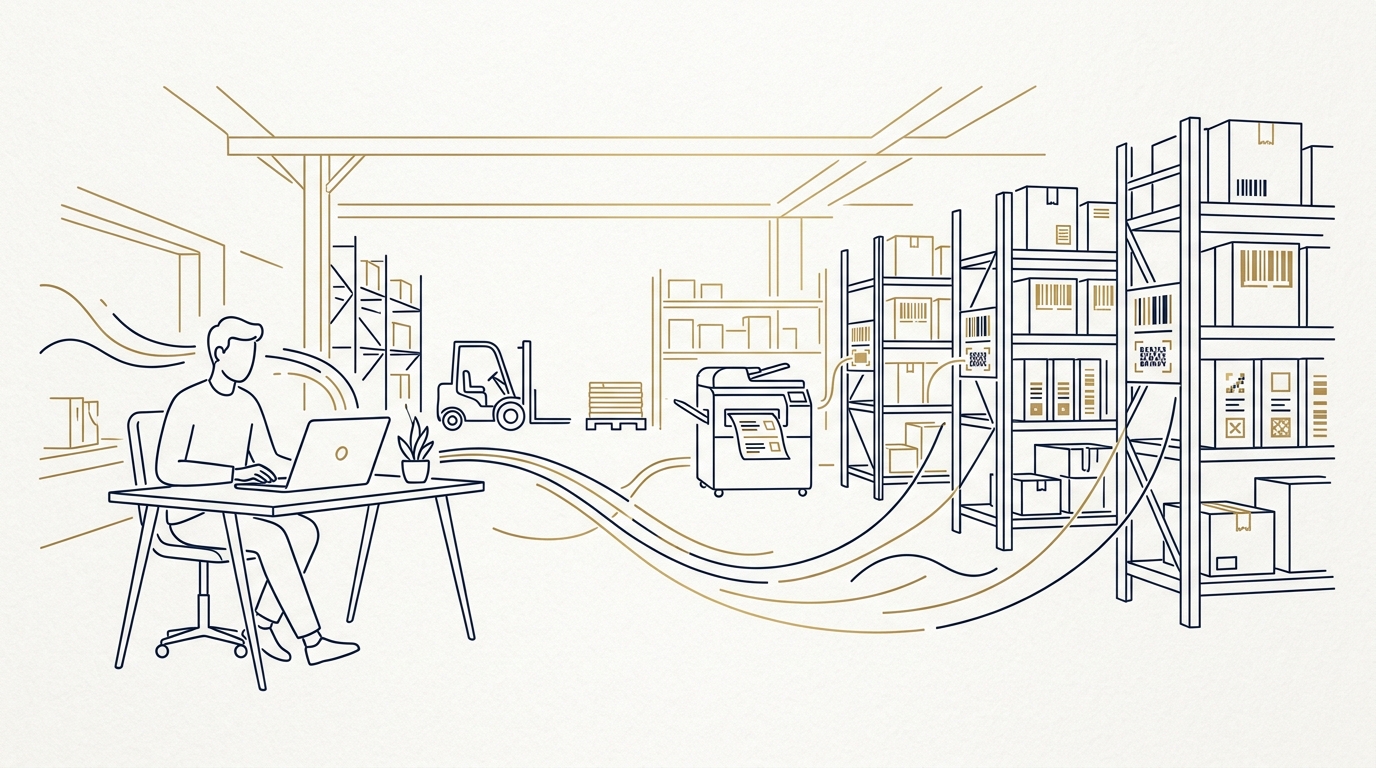
Meet Lena, a warehouse operations manager at a mid-sized fulfillment provider. Her warehouse management system knows exactly where every pallet is, which batch an item belongs to, and when an order has to leave the dock. But as soon as a pallet label, bin label, or shipping label has to be printed, the process falls apart. Pickers read data from one screen, type it into a separate label template, adjust the layout by hand, and hope the barcode scans.
That is the gap this article addresses: label printing for warehouse management systems that connects to the WMS instead of sitting beside it.
The Warehouse Manager’s Labeling Dilemma
Lena’s WMS is good at inventory, putaway, picking, and order status. Label printing was never the core feature, so it gets treated as an afterthought. The WMS can export a PDF, but only from a fixed template. It supports one or two barcode formats, but not the specific GS1 or customer-mandated symbology required for a retail compliance shipment.
The daily result looks like this:
- Operators copy SKU, batch, quantity, and SSCC from the WMS into a spreadsheet.
- The spreadsheet is imported into a standalone label designer.
- Someone manually adjusts fonts, barcode sizes, and positions.
- A label is printed, scanned once, and often found to be wrong.
- The operator repeats the process while a pallet waits at the dock.
That manual loop creates errors, slows shipping, and makes compliance audits stressful. Lena needs a label printing system that can accept data directly from the WMS, transform it, render a professional label, and send it to the right printer without handwork.
Why WMS Integration Matters for Label Printing
Warehouse labels are not decorative. They carry the data that keeps traceability intact, ensures the right product reaches the right customer, and satisfies retail, safety, and international packaging requirements. A wrong batch code on a pallet label can stop an entire shipment.
Common WMS label printing limitations include:
- Fixed templates that cannot match customer-specific label layouts.
- Limited barcode support for 1D or 2D symbologies.
- No direct thermal printer control or printer pooling.
- No dynamic data transformation between WMS fields and label fields.
- Batch exports that still require manual intervention.
A dedicated label printing system fills that gap with a web service API, OAuth2 authentication, and Python scripts attached to label fields. Instead of exporting and retyping data, the WMS can submit a print job programmatically. LPSNG handles rendering and printer communication, so labeling becomes part of the WMS workflow rather than a side process.
A Practical Playbook: Integrating LPSNG with Your WMS
LPSNG — the Next Generation Label Printing System — is designed for this integration path. The workflow is simple: design labels in the label studio, then call the web service API from the WMS when a label is needed.
Step 1: Submit print jobs from the WMS
The LPSNG Web Service API allows external applications to submit print jobs, render single labels as PDF or PNG, and print directly. A WMS shipment event or packing station can call the API at the exact moment a label is required.
curl -sS -X POST "$LPSNG_BASE_URL/print-job" \
  -H "Authorization: Bearer $LPSNG_ACCESS_TOKEN" \
  -H "Content-Type: application/json" \
  -d '{
        "layout": "pallet-sscc",
        "data": {
          "sscc": "00340012345678901234",
          "sku": "TOTE-40L",
          "batch": "B20260823",
          "qty": 12
        },
        "output": "pdf"
      }'
The endpoint and payload schema come from the Webservice Interface documentation. The important part is that the WMS no longer needs to know anything about label geometry, barcode rendering, or printer drivers.
Step 2: Secure the connection with OAuth2
LPSNG provides a simplified OAuth2 registration protocol. External systems such as WMS servers or ESL base stations can be connected with a single URL. Once the WMS obtains an access token, it sends that token with each API request.
This prevents an open printing endpoint and gives the warehouse control over which systems may submit jobs. Store the token like any other secret: outside source control, rotated on a schedule, and never logged.
Step 3: Transform WMS data with Python field scripts
WMS data often arrives in a format that does not belong on a label. Dates may be exported as 20260823, customer part numbers may need to be concatenated with the supplier SKU, or a batch code may need to be stripped of a scanner prefix.
LPSNG allows Python script blocks to be attached to label fields. Those scripts can access and modify field values before printing.
# LPSNG field script attached to the "ship_date" label field
raw = value.strip()
if len(raw) == 8 and raw.isdigit():
    value = f"{raw[:4]}-{raw[4:6]}-{raw[6:]}"
This is far more maintainable than creating dozens of near-identical WMS label templates. One label layout, transformed in code, can serve multiple customers and warehouse processes.
Step 4: Render PDF or PNG labels, or batch process with LPSNG Player
For preview screens, email confirmations, or archive copies, generate PDF or PNG labels through the web service. For direct thermal printing, the same API can send the job to a printer.
When a large batch of labels must be generated from WMS data, the LPSNG Player provides a standalone command-line print engine. It takes a package and data input and can produce PDF, PNG, JSON, print output, or ESL output. That fits nightly picking-wave processing or export-to-print pipelines without a user clicking through a UI.
Step 5: Extend the same data flow to electronic shelf labels
If the warehouse also uses electronic shelf labels, LPSNG supports a vendor-neutral JSON file interface called ESLSEND. A WMS can update ESL displays with the same item master data used for printed labels. That keeps bin labels, shelf pricing, and product information synchronized without maintaining two separate data feeds.
For more background on how electronic shelf labels fit into a warehouse environment, see What Are Electronic Shelf Labels and How Do They Work?.
Common Pitfalls to Avoid in WMS Label Printing
Hard-coding label layouts in the WMS.
Fixed templates make every customer change a development task. Design labels once in LPSNG’s label studio and let the WMS submit data only.
Ignoring authentication.
An unsecured printing endpoint can be abused by any system on the network. Use the OAuth2 flow described above so that only authorized WMS processes can submit or render labels.
Barcode symbology mismatches.
Warehouse needs vary by customer and region. Verify that the label system supports the required 1D and 2D barcode formats. LPSNG supports common warehousing symbologies including Code 128, EAN, QR, and Data Matrix. If you are reviewing printer hardware as well, see Zebra Printer Alternatives: Why LPSNG Might Be Your Choice.
Overlooking scalability.
A single-user label designer may work for one site today but break down as the operation grows. Look for multi-user, multi-region, and multi-device capabilities if the warehouse spreads across locations. The Enterprise Edition covers those corporate scenarios.
Ignoring thermal printer compatibility.
Different warehouses use different thermal printer models. LPSNG uses the printer configuration of the label system rather than requiring the WMS to know model-specific commands. For a deeper look at the API workflow, see Automate Barcode Label Printing with LPSNG API.
Real-World Scenarios: From Picking to Shipping
Order-specific fulfillment labeling.
LPSNG supports customer- and product-specific labeling for fulfillment. A WMS can pass order data to the API and generate labels that comply with the customer’s exact layout, language, and barcode requirements.
Packaging lines with traceability requirements.
For international packaging and traceability, LPSNG covers packaging-line scenarios with multi-device support. Multiple print stations can receive the correct label for their part of the line without sharing templates manually.
Cross-media labeling.
Printed pallet labels and electronic shelf labels can be driven from the same item data. This is useful for dynamic pricing, product information, and bin updates without re-entering data.
Cloud and embedded deployments.
LPSNG runs as a hosted multi-user cloud solution for distributed warehouses. For on-premise needs, the Embedded Edition puts the complete system on a single-board computer such as a Raspberry Pi. Either way, the integration path remains the same: the WMS talks to the LPSNG API.
FAQ
Q: Can LPSNG integrate with any WMS?
A: Yes, LPSNG provides a web service API and OAuth2 authentication that can be called from any WMS capable of making HTTP requests. The API allows submitting print jobs, rendering labels, and direct printing.
Q: What barcode formats does LPSNG support for warehouse labels?
A: LPSNG supports a wide range of 1D and 2D barcode formats, including common symbologies used in warehousing such as Code 128, EAN, QR, and Data Matrix. Refer to the barcode documentation for the full list.
Q: Is LPSNG suitable for large warehouse operations with multiple locations?
A: Yes, the Enterprise Edition offers multi-user, multi-region, and multi-device features designed for corporate environments. It supports centralized management and scalable printing across multiple warehouse sites.
Q: Can I use Python scripts to customize label data from my WMS?
A: Absolutely. LPSNG allows attaching Python script blocks to label fields, enabling you to access and modify field values before printing. This is useful for data transformation, validation, or dynamic content generation.
Conclusion
Lena’s labeling problem is not really about printers. It is about closing the gap between the WMS data model and the physical label on the warehouse floor. The Next Generation Label Printing System closes that gap with a web service API, OAuth2-secured integration, Python field scripts, and flexible PDF/PNG/direct-print output.
If your WMS can make an HTTP request, it can produce professional warehouse labels without copy-paste, without hand-built templates, and without a second data entry system. Start with the cloud edition or embedded deployment that fits your operation at https://lpsng.rsj.de/.
Related posts
- Zebra Printer Alternatives: Why LPSNG Might Be Your Choice
- Automate Barcode Label Printing with LPSNG API
- What Are Electronic Shelf Labels and How Do They Work?
