
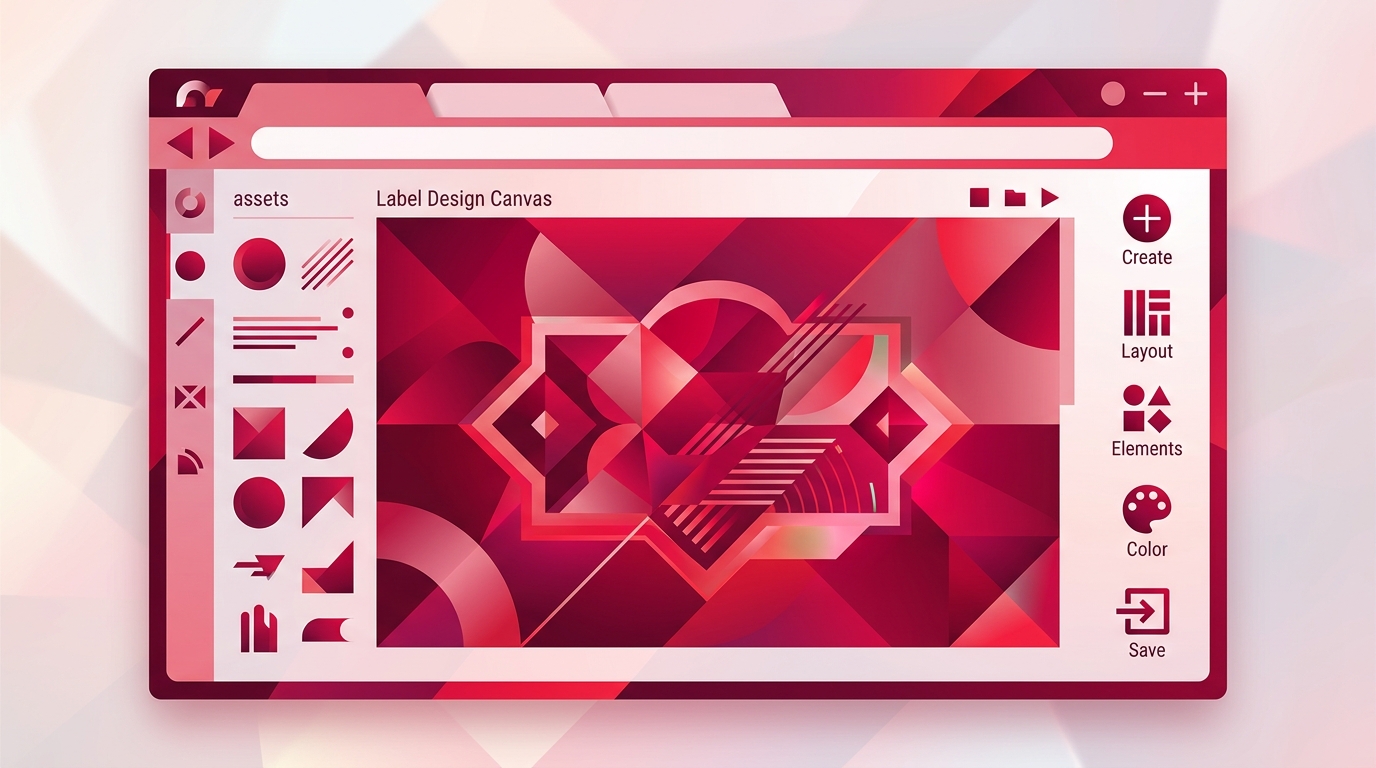
Why Browser Based Label Design Software Beats Desktop Apps
Do you still need to install another Windows-only label designer just to print a barcode? Browser based label design software makes that question feel outdated. Instead of downloading and maintaining a desktop application, you open a URL, design a label in a visual editor, and send it to a printer from any device with a browser. This article explains what browser based label design software is, how it works under the hood, and why RSJ LPSNG is a practical example of the approach.
What Is Browser Based Label Design Software?
Browser based label design software is a web application that runs in a standard browser. You create, edit, and manage label layouts without installing anything on the local machine. The editor lives on a server, and your browser provides the user interface.
RSJ LPSNG fits this model directly: it is a label design and printing platform that offers a full-featured label studio in the browser, accessible from any device with an internet connection. You do not need a specific operating system, a local license server, or a dedicated design workstation.
Traditional desktop label design applications are the opposite. They require an installer, often target one platform, store templates on a single PC, and depend on manual updates. Browser based software is part of the broader shift to cloud-based tools. That shift brings two immediate benefits: lower IT overhead and much faster onboarding.
The Pain of Desktop Label Design (And How Browser Software Solves It)
Desktop label design has a familiar set of frictions:
- Installation and licensing on every machine
- Version compatibility issues after operating system upgrades
- Manual updates to get new barcode formats or features
- Templates tied to a single workstation
- Collaboration through shared drives, USB sticks, or email
- Mixed environments where Mac and Linux users cannot run the Windows-only tool
Browser based label design software removes most of that friction. There is nothing to install, the software is always current, and it works on Windows, macOS, Linux, and ChromeOS. Because the workspace lives behind a URL, users can access the same label layouts from the office, a warehouse, or a remote location.
A useful analogy: desktop label software is like owning a physical DVD player that needs firmware updates before it can play new discs. Browser based label design is like streaming a movie. You open the page, and the current version is already there. That difference matters most for teams with mixed device environments or remote workers who cannot wait for IT to approve and push an installer.
How Browser Based Label Design Works Under the Hood
The architecture is simpler than it sounds. The label design interface runs in the browser using HTML5 and JavaScript. The more demanding work—label rendering, job processing, data lookup, and print spooling—can happen server-side or through a small local print component.
RSJ LPSNG provides a web service API for submitting print jobs, rendering single labels as PDF or PNG, and direct printing. That API is what allows label generation to be automated from other systems, not just from the visual editor.
For direct printing to thermal printers, a browser based solution often uses a small local component. RSJ LPSNG includes the LPSNG Player, a standalone command-line print engine that takes package and data input and produces PDF, PNG, JSON, print, or ESL output. There are also cloud printing workarounds for thermal printers. The important point is that the design experience remains entirely in the browser, while the platform handles rendering and device communication behind the scenes.
Why Browser Based Label Design Matters for Developers and End Users
For end users, the value is immediate. There is no IT involvement needed to install or update software. Users can start designing as soon as they have access, and the result is professional-looking labels with built-in barcode support and reusable templates.
For developers, browser based label design is an integration surface. RSJ LPSNG exposes a web service interface and OAuth2 authentication, which means label printing can be triggered programmatically from an ERP, WMS, e-commerce backend, or fulfillment system. The browser editor is only one way in—the API is the other.
A common misconception is that browser based software is less powerful than a native desktop app. That is no longer true. Modern web applications handle complex label layouts, dynamic data, and custom field logic. In RSJ LPSNG, for example, Python script blocks can be attached to label fields to access and modify field values before printing. Browser based label design is not limited to simple text labels. It also supports advanced use cases such as electronic shelf labels (ESL) and multi-user enterprise environments.
RSJ LPSNG: A Practical Example of Browser Based Label Design Done Right
RSJ LPSNG is a browser based label design and printing platform by RSJ Software GmbH. It packages the core pieces into one managed workflow: label studio in the web UI, job queue, PDF generation, web service interface, OAuth2 authentication, Python field scripts, ESL support, and integrations such as Google Sheets and Excel.
The main advantage is that users access the label designer through their browser, and the platform handles rendering, printing, and integration. There is no need to set up local servers, maintain printer drivers, or write raw rendering code. The hard way would be stitching together a label rendering engine, job queue, printer drivers, and an authentication layer yourself. RSJ LPSNG replaces that with a managed path.
Different editions cover different deployment needs. The cloud edition is a hosted multi-user environment. The embedded edition runs complete RSJ LPSNG on a single-board computer such as a Raspberry Pi. Enterprise features target multi-user, multi-region, and multi-device corporate environments. A white label solution is available for printer manufacturers, paper manufacturers, and system integrators. That range means the same browser based workflow can serve a small business and a large fulfillment operation.
Getting Started with Browser Based Label Design
The practical starting point for RSJ LPSNG depends on your environment. You can sign up for the cloud edition to get a hosted label studio without any local infrastructure, or deploy the embedded edition on a Raspberry Pi for on-premise or offline use.
Once you have access, the workflow is straightforward:
- Open the label studio in your browser.
- Create a label layout with the visual designer.
- Import data from Excel or Google Sheets if you need variable data.
- Print directly from the browser or submit the job through the web service API.
For developers, integration follows the same pattern. You can use the web service API to submit print jobs or render labels as PDF or PNG, with OAuth2 for authentication. A simplified integration pattern looks like this:
# Conceptual pattern for the RSJ LPSNG web service API.
# Replace $LPSNG_WEBSERVICE_URL and $LPSNG_ACCESS_TOKEN with values
# from the web service documentation for your RSJ LPSNG edition.
curl -X POST "$LPSNG_WEBSERVICE_URL" \
  -H "Authorization: Bearer $LPSNG_ACCESS_TOKEN" \
  -H "Content-Type: application/json" \
  -d '{
        "template": "shipping-label",
        "data": {
          "order_id": "12345",
          "sku": "ABC-001"
        },
        "format": "pdf"
      }'
That is a conceptual example, not an exact endpoint contract. The RSJ LPSNG web service documentation provides the current payload details for your edition.
If you want to focus on the visual workflow first, see How to Design Barcode Labels with a Web-Based Editor. If you need the API fundamentals, start with What Is a Label Printing API? A Beginner’s Guide.
FAQ
Q: Can browser based label design software work offline?
A: Most browser based label design tools require an internet connection because the design interface and rendering engine run on a server. However, some solutions like RSJ LPSNG offer an embedded edition that can run on a local device such as a Raspberry Pi for offline or on-premise use.
Q: Is browser based label design software secure for sensitive data?
A: Yes, reputable browser based label design platforms implement security measures such as OAuth2 authentication, encrypted connections, and role-based access control. RSJ LPSNG uses OAuth2 for API authentication and offers enterprise features for multi-user environments.
Q: Can I integrate browser based label design with my existing systems?
A: Absolutely. Browser based label design software often provides web service APIs for programmatic label generation. RSJ LPSNG offers a web service interface to submit print jobs, render labels as PDF or PNG, and integrate with external applications via OAuth2.
Q: Does browser based label design support all barcode types?
A: Modern browser based label design tools support a wide range of 1D and 2D barcode formats. RSJ LPSNG includes extensive barcode format support, and you can find details in its barcode documentation.
Conclusion
Browser based label design software removes the friction that keeps desktop label apps stuck in the past. You get no installs, automatic updates, cross-platform access, and a clean path from design to print. RSJ LPSNG applies that model to a complete label printing platform: browser based label studio, PDF and PNG rendering, web service API, OAuth2, Python field scripts, and electronic shelf label support.
If you are evaluating label design tools, start with a browser based workflow and let the Next Generation Label Printing System handle the printing complexity.
Related posts
- How to Design Barcode Labels with a Web-Based Editor
- ESL Binding API Tutorial: Connect Tags to Items
- What Is a Label Printing API? A Beginner’s Guide
